> For the complete documentation index, see [llms.txt](https://aerogcs-green-docs.aeromegh.com/llms.txt). Markdown versions of documentation pages are available by appending `.md` to page URLs; this page is available as [Markdown](https://aerogcs-green-docs.aeromegh.com/12.-obstacle-avoidance/12.1-polygon-type-obstacle.md).
# 12.1 Polygon Type Obstacle
#### Adding Polygon Obstacles:
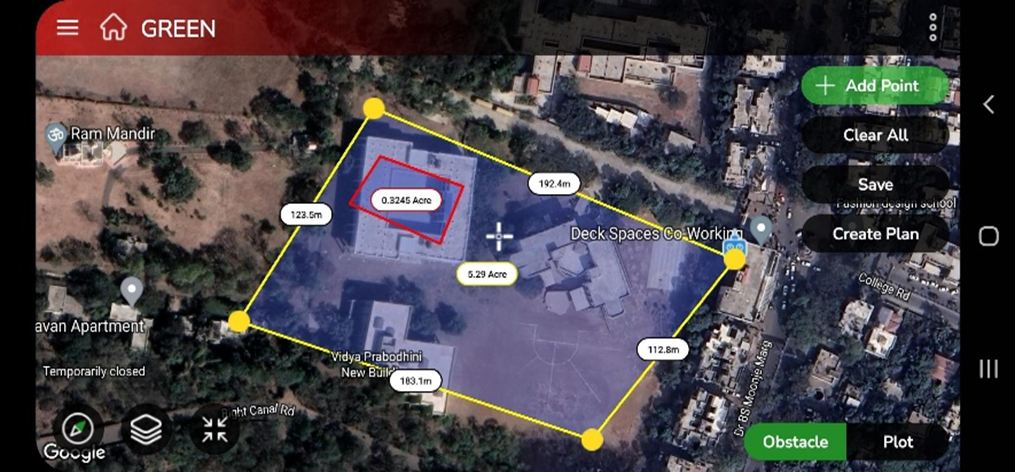
**Step 1**. If the user selects the "**Polygon**" type of obstacle, the user will be directed to a screen where the user can add obstacle points. To add these points, simply tap on the "**+ Add Point**" button on the user’s device and continue adding all the required points as demonstrated in the following screen.
Polygon obstacle
**Step 2** Once the user has added all the points for the polygon obstacle, tap the "**Save Obs"** button to save it to the user’s plot. The user’s screen will then display the following view.
Save polygon obstacle
**User can add Multiple Polygon Obstacles by Repeating Steps 1 and 2**